
Made possible in your browser
Real work.
See it happen.
From your first form to your next release. Real browser recordings, the prompts behind them, and steps you can try yourself.
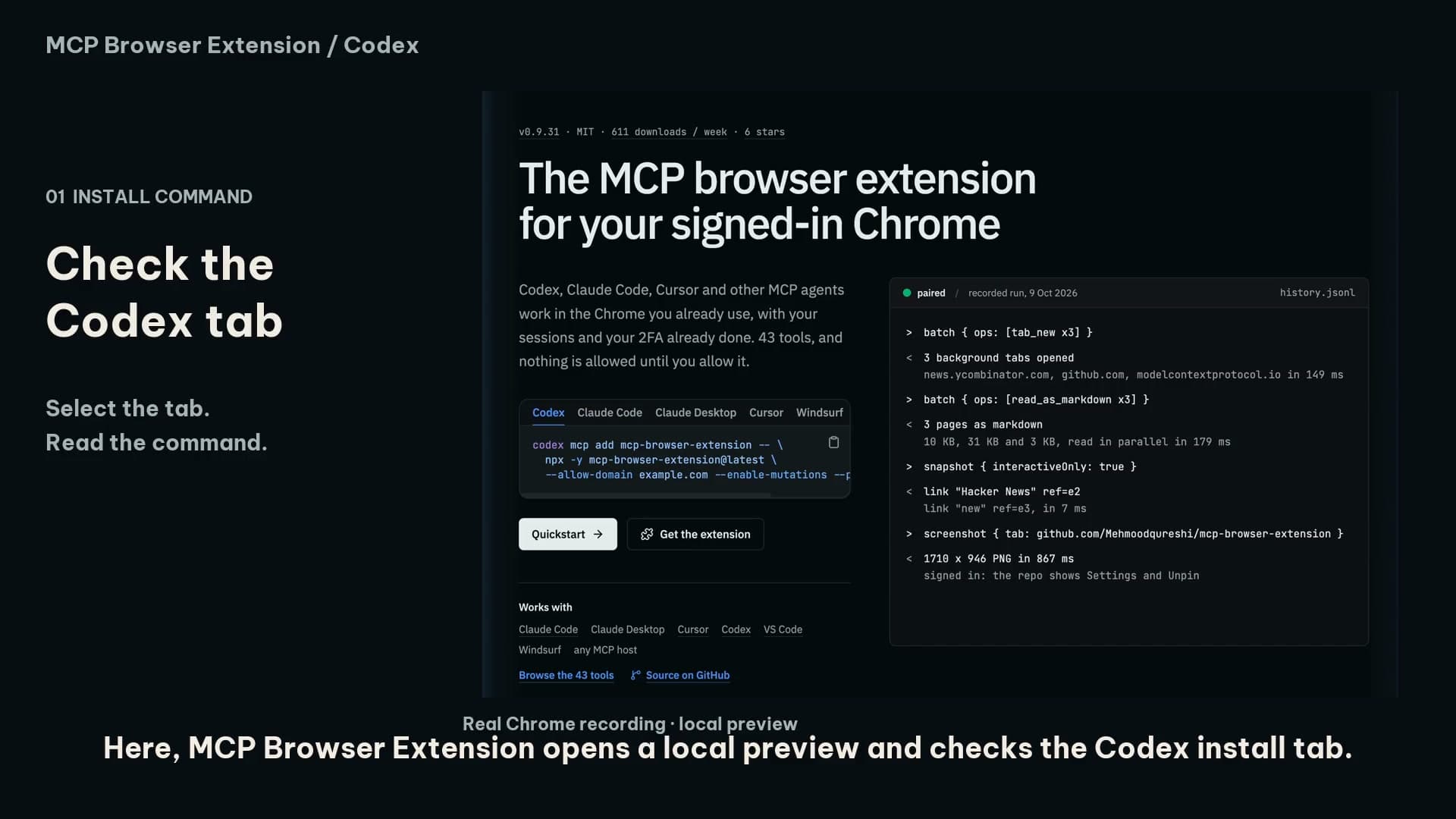
Check a website before release with Codex and Chrome
A recorded Codex browser review: check an install tab, follow Quickstart and verify setup instructions in a local website preview.
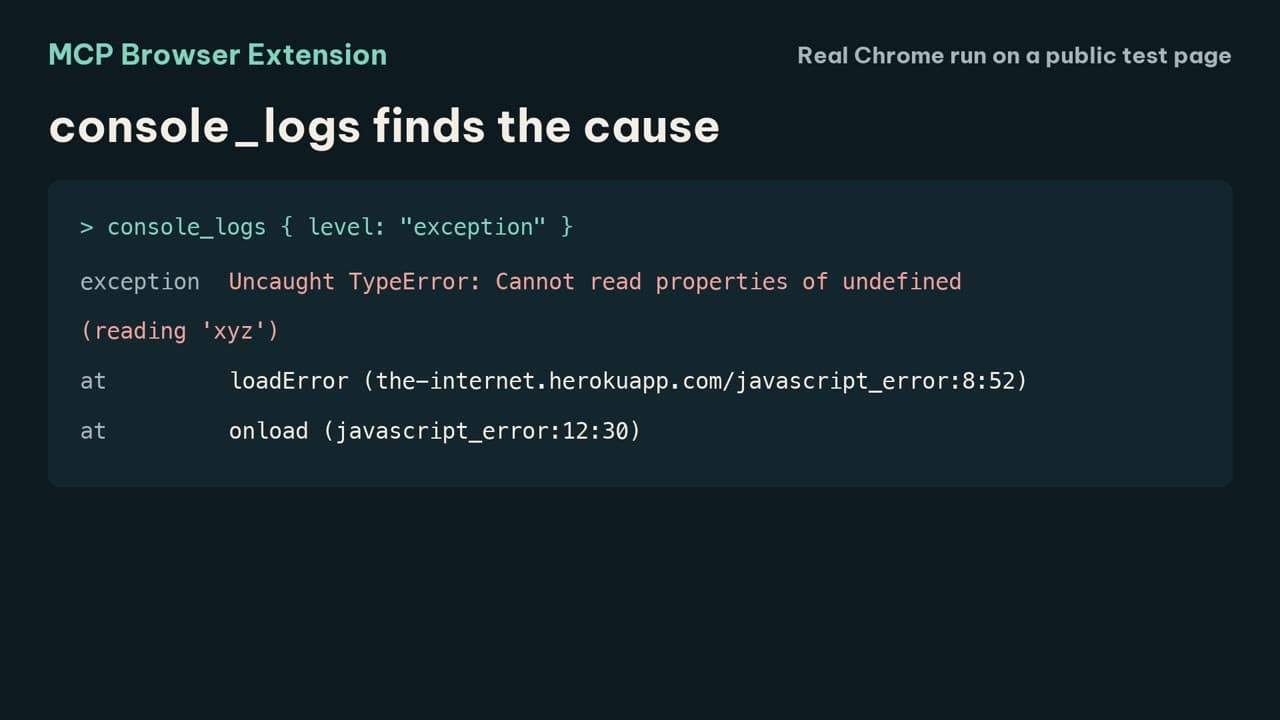
Find Why a Page Is Broken: Console and Network Errors
Ask an AI agent to read console errors and failed requests in your own Chrome, then name the line and the files that broke the page.
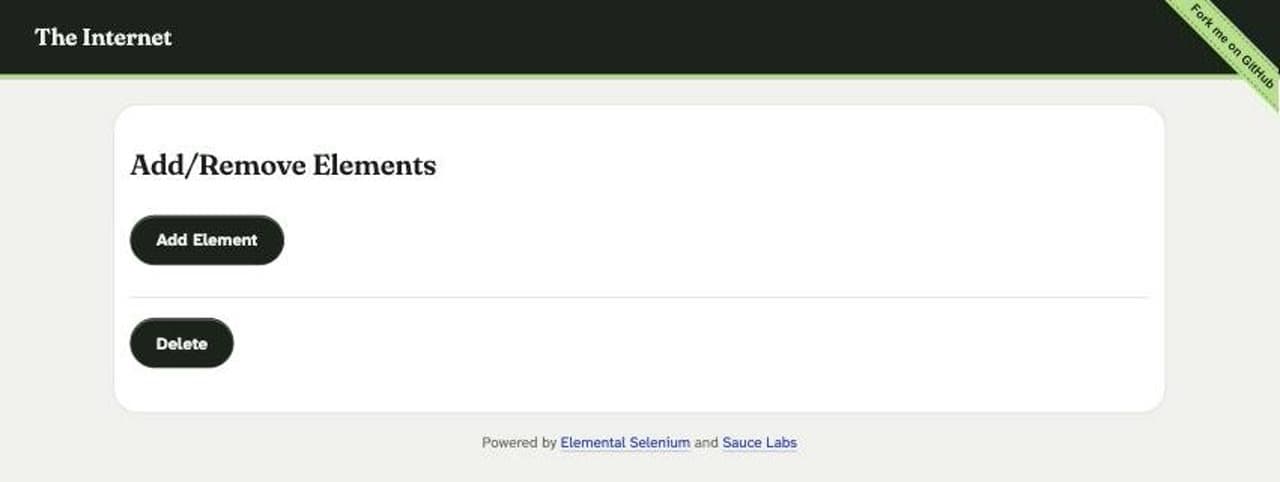
Test Web UI Changes with page_watch
Use page_watch to check when an interactive page adds or removes a control, then review the result against a saved Chrome checkpoint.
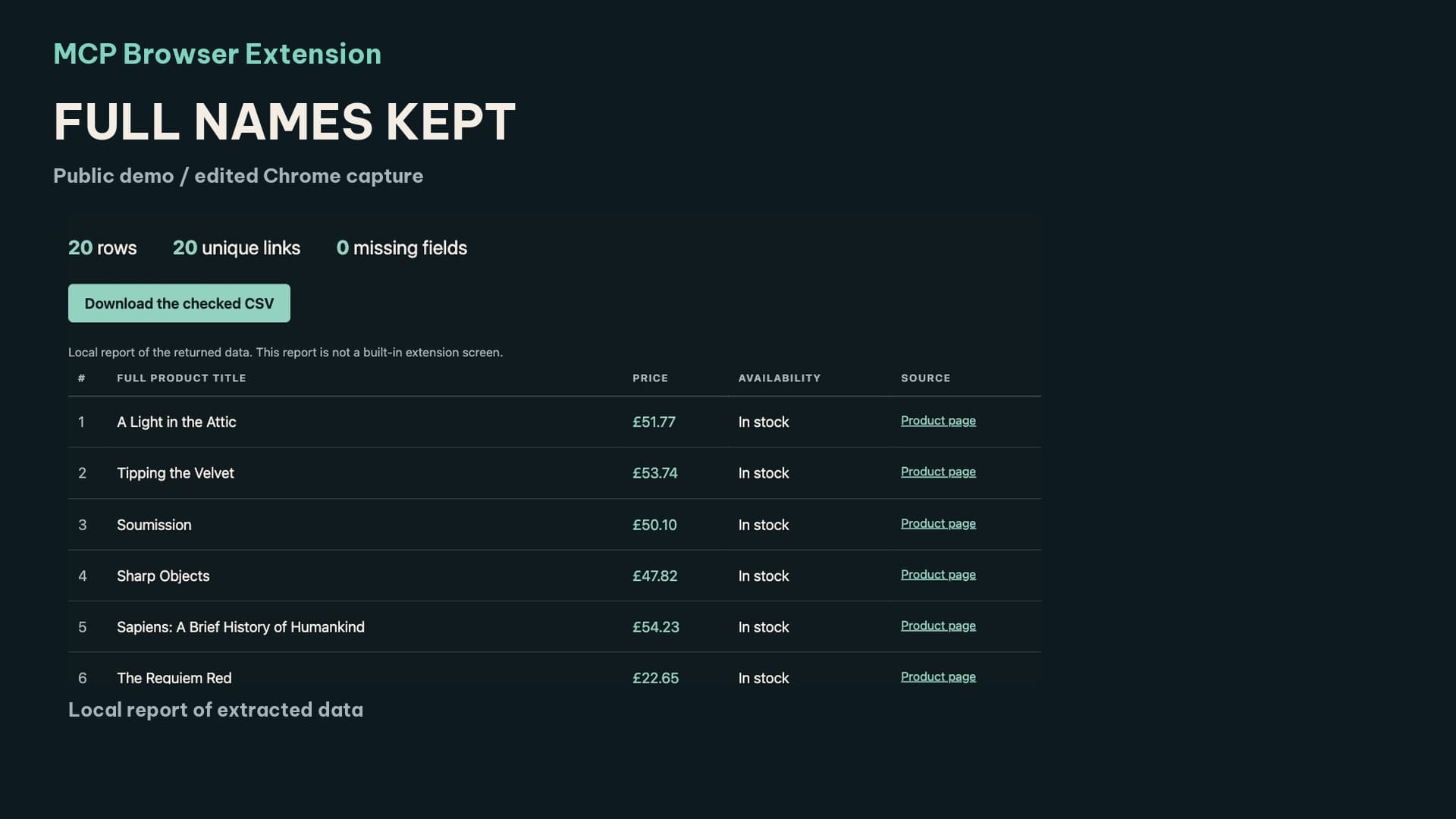
Extract 20 product records into CSV with an AI agent
Watch an agent use MCP Browser Extension to collect 20 demo products in Chrome, verify names and prices, and save a checked CSV with source links.
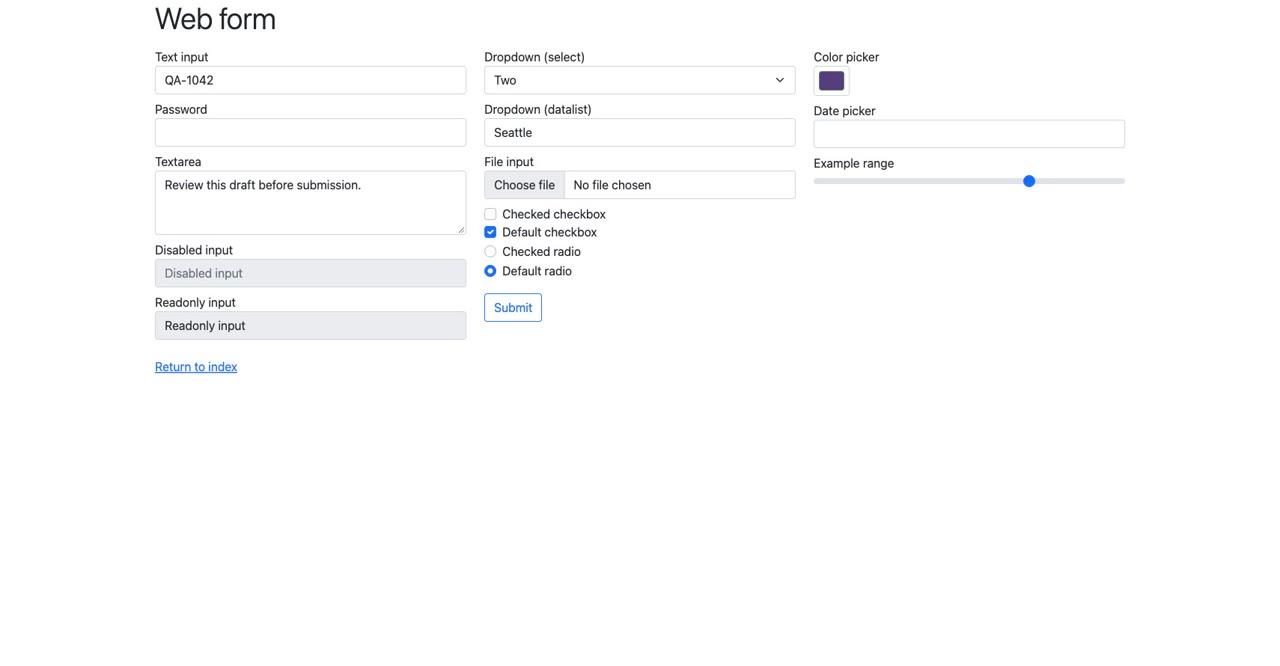
Fill a web form from CSV and review it before submitting
Watch a browser agent map one CSV row to eight controls on a public test form, verify the entered values, and stop before Submit for a human review.
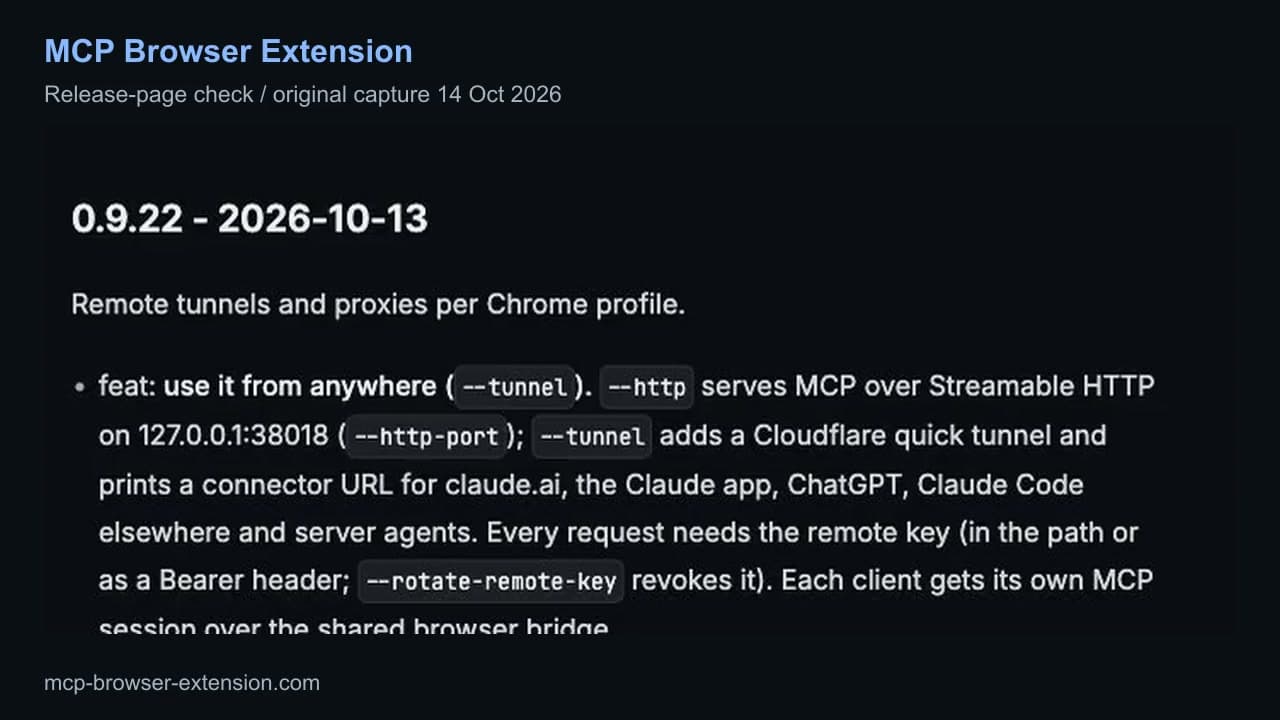
Check a release page through a browser MCP tunnel
A recorded remote browser check reads a live changelog through an HTTPS tunnel, returns the release version and date, and preserves the source.
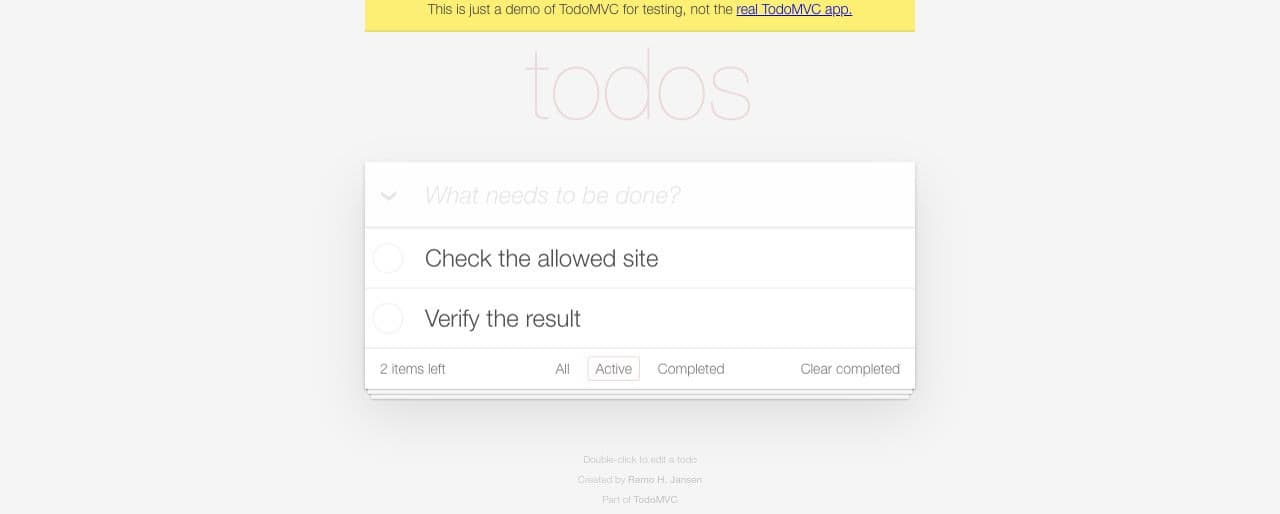
Test a task list through a browser MCP tunnel
Watch a real browser MCP tunnel test create three tasks, complete one, check filters, and verify two active items remain after reloading Chrome.
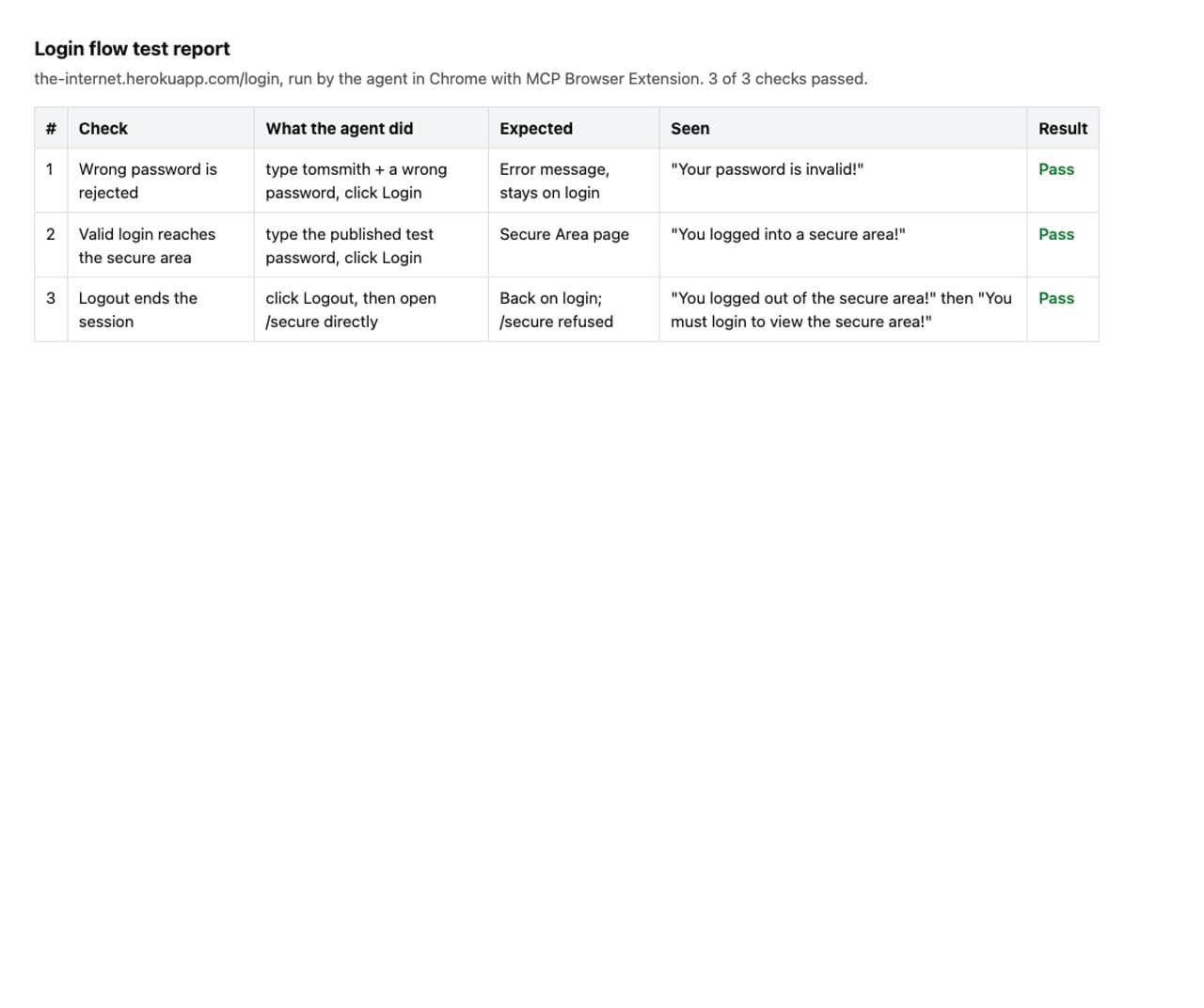
Test a login flow end to end with an AI agent in Chrome
Have an AI agent test a login form in your real Chrome: a wrong password, a valid login and a logout, with a pass/fail table. A recorded run, call by call.